

From camera to screen,
one path.
The image is reviewed on site, what was seen goes to the centre, and a rule decides whether it is an event. Follow one frame, step by step.
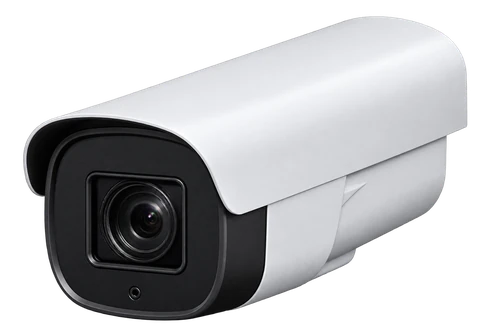
Camera
The image starts here.
Your existing IP, CCTV and industrial cameras are used over RTSP; the cameras stay, your investment is kept. Every brand and model is not assumed to fit, it is tried on site.
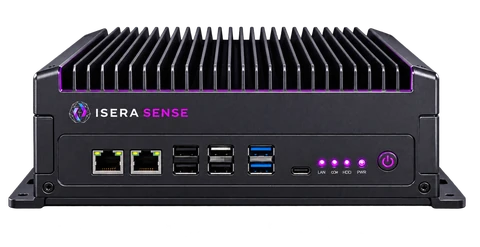
EdgeBox
The image is reviewed on site.
The device next to the camera looks at the image, recognises people and objects and follows them frame to frame. The video itself never leaves the facility.
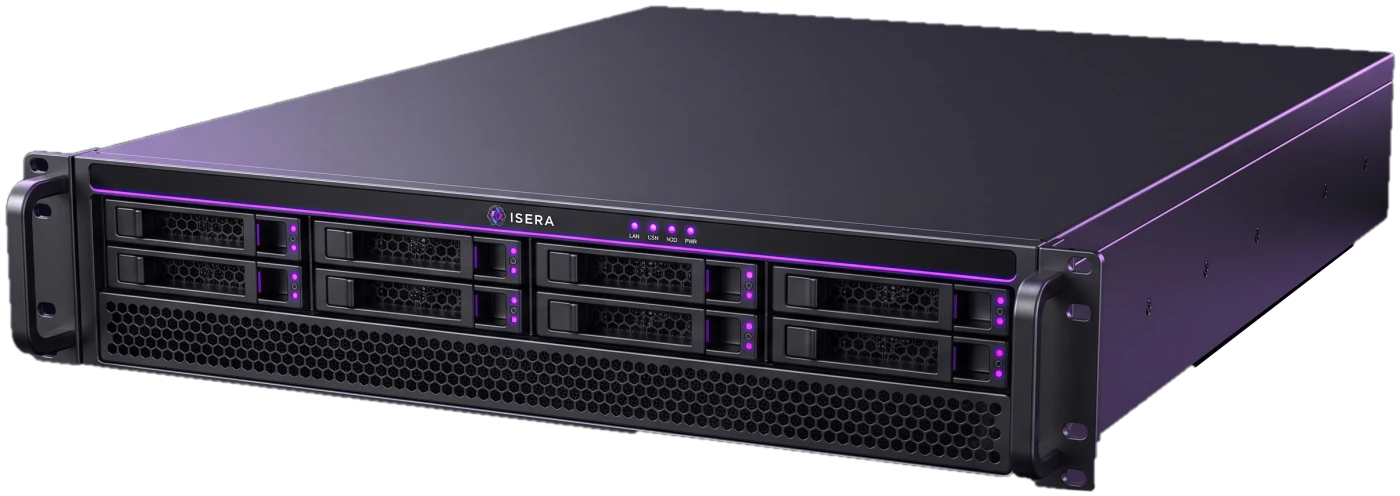
Management server
The rule decides here.
What was seen is compared with the areas and rules you drew for that camera. If a rule holds an event opens; if not, nothing happens.
Event and alarm
The right person is told.
The event becomes an alarm; the authorised person gets an on-screen notification, and email if they want it. Everyone only gets their own area's alerts.
Web panel
Reviewed and closed.
The user opens the alarm, sees the image of that moment, tells the floor and closes it with a note. Live video only runs while someone watches.
Not every part of the image matters the same.
You draw the area that matters; the rule says what has to be there, and for how long.
Restricted area
When someone enters the area.
Staying in an area
When the same person stays longer than set.
Line crossing
When a followed person or object crosses the line.
Area use
How long someone is in the area.
If a camera moves or its angle changes, the drawn areas are reviewed. Protective equipment and hygiene rules are prepared for the job.
Records aren't lost, they wait.
Even if the internet or the link to the centre drops, the device on site keeps working; events wait in a queue on the device and are sent when the link is back.
- 01Link dropped
- 02Events queue on the device
- 03Cameras keep working
- 04Link back, the queue is sent
Your data stays with you.
Sense is installed on your own infrastructure.
On your own server
The management software on your server, the devices on site. Video and operations data stay in the facility.
On a closed network
If the needed services are on the local network it can run without going outside; outside access and email are discussed separately.
Checked with a real image
A camera is attached to a device only once an actual image comes through; no attaching the wrong camera.
Separate identities
People's sign-in and device identity are separate. Camera passwords are stored encrypted and never show in records.