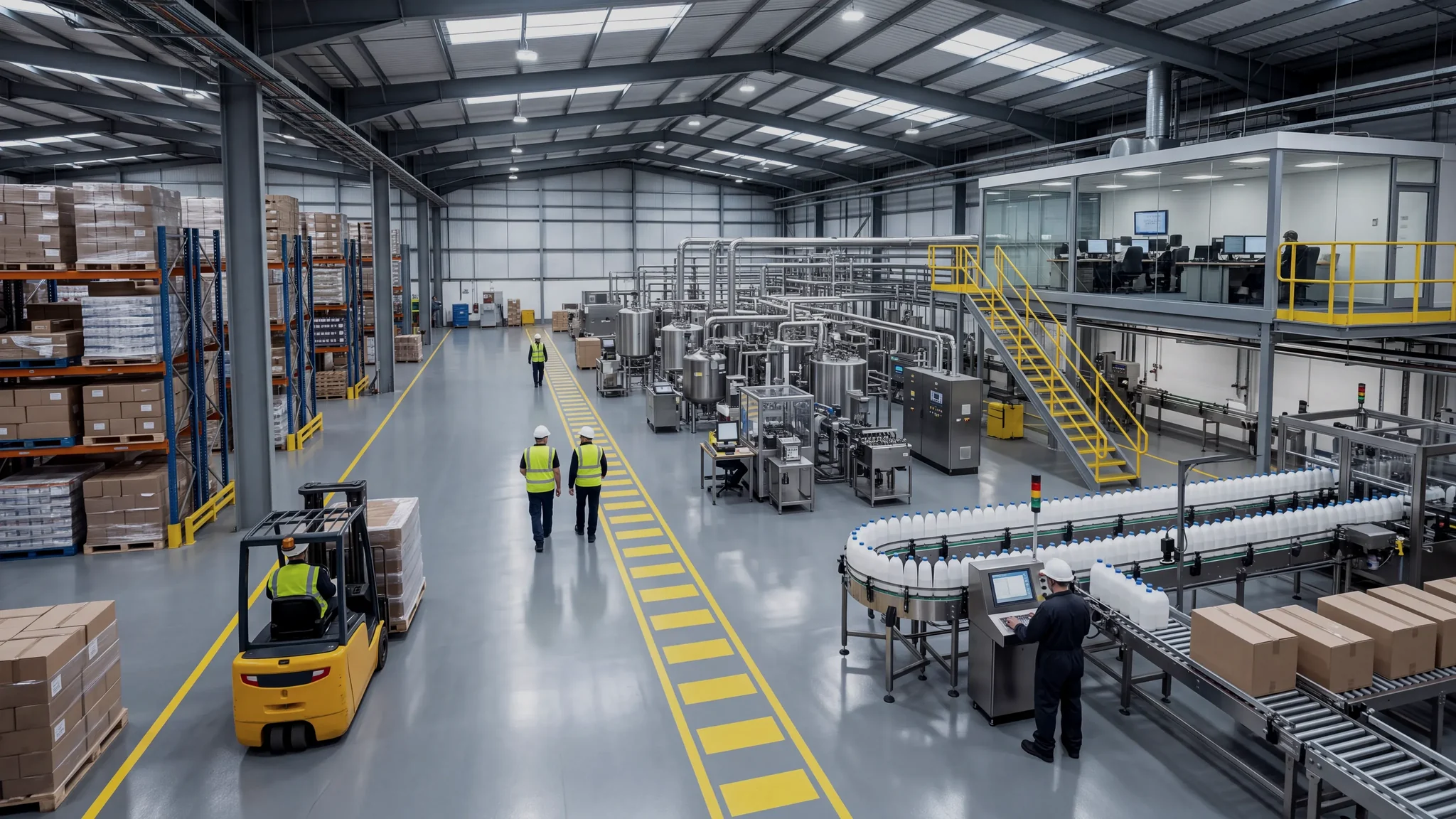

Your cameras can see now.
Your existing IP, CCTV and industrial cameras; compliance, flow, safety, quality and counting on one platform.
30+companies · ISERA Sense experience
How an event reaches you.
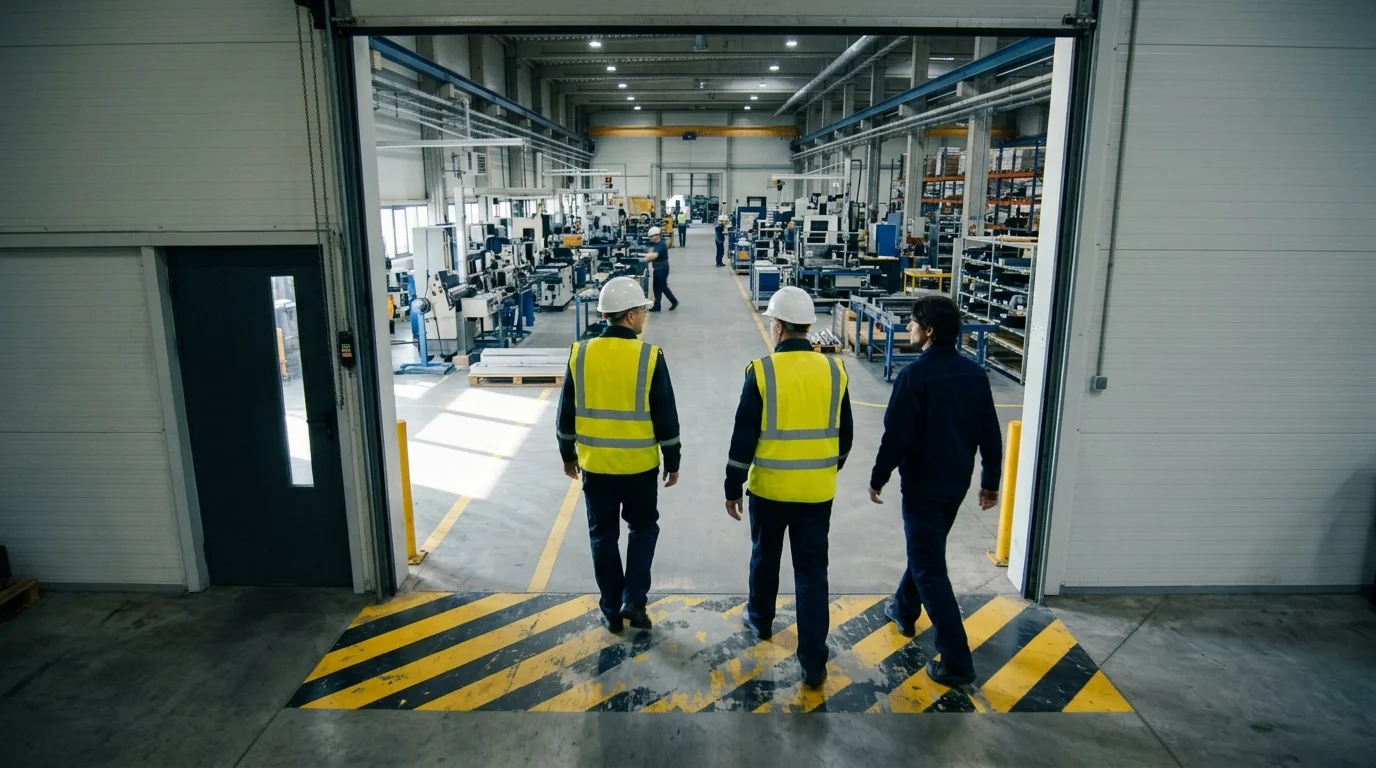
Your camera sees
Your existing IP, CCTV or industrial camera is used; no need to buy a new one.
- Frame received
- 3 people found
- Rule: helmet zone
- Event created
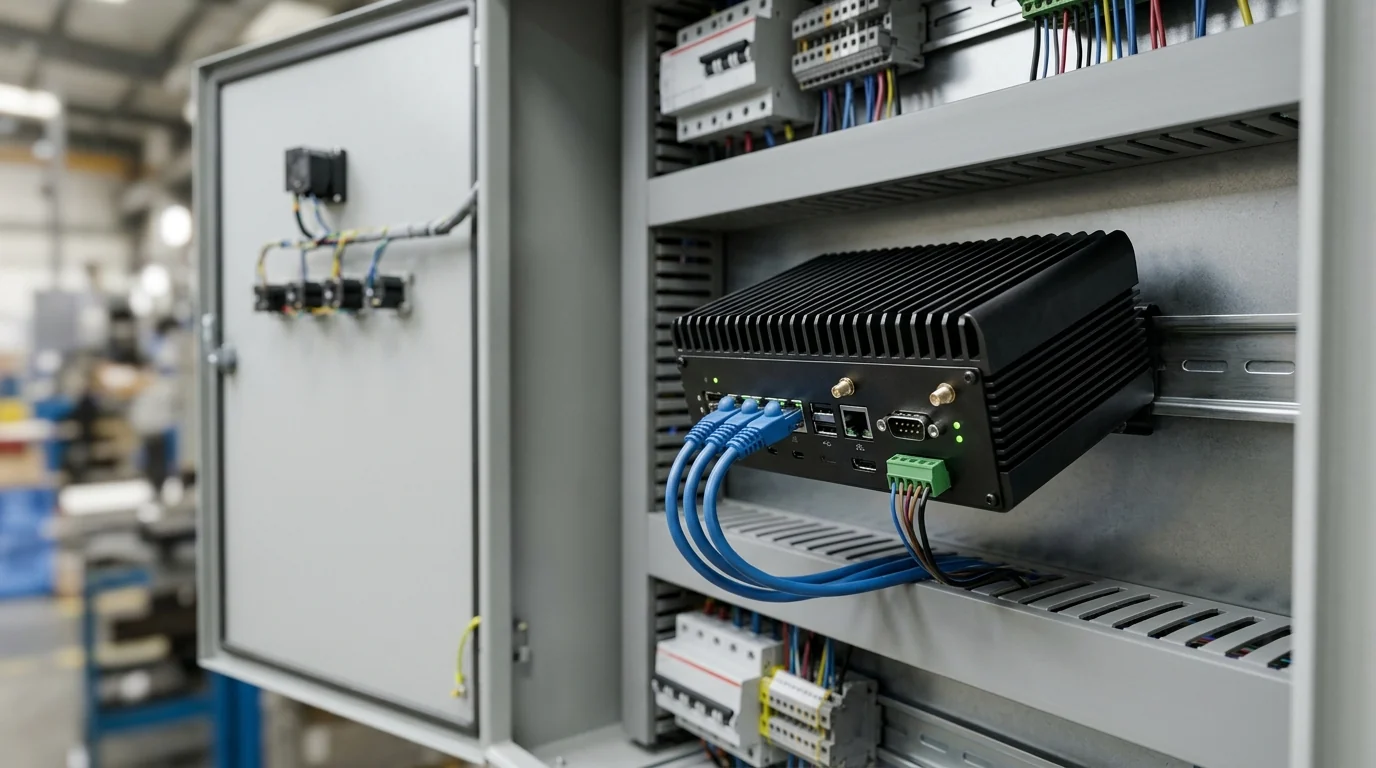
AI checks it
Video is checked by AI on your site and never leaves.
- No helmetGate B
- Forklift too closeDock 2
- No-go zone entryPress 3
Photo attached, sent to the area supervisor.
You hear about it
The event lands on your screen and phone, with its photo.
- Video never leaves your site
- Keeps working offline
- Works with your IP, CCTV and industrial cameras
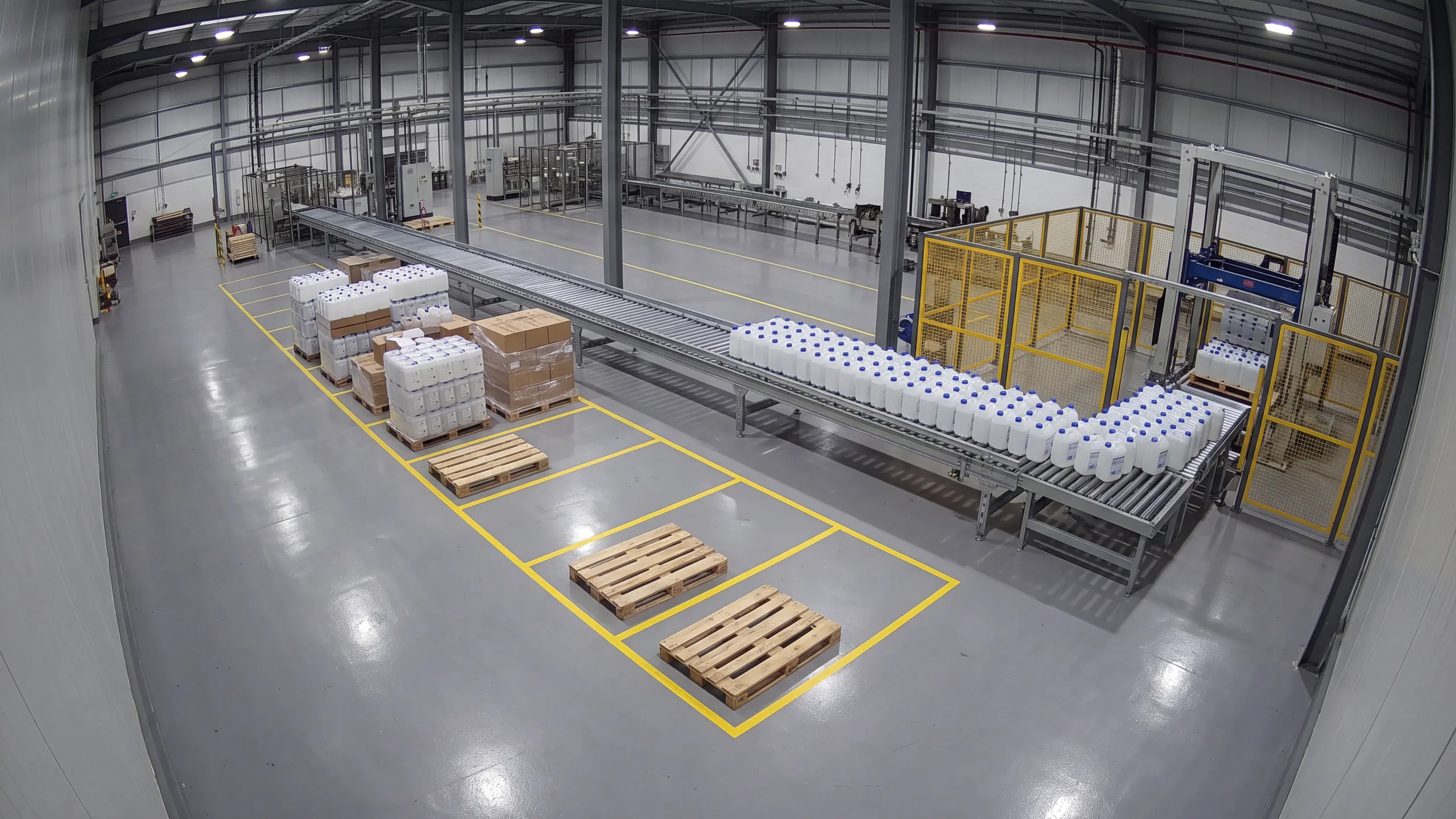
What happens on site?
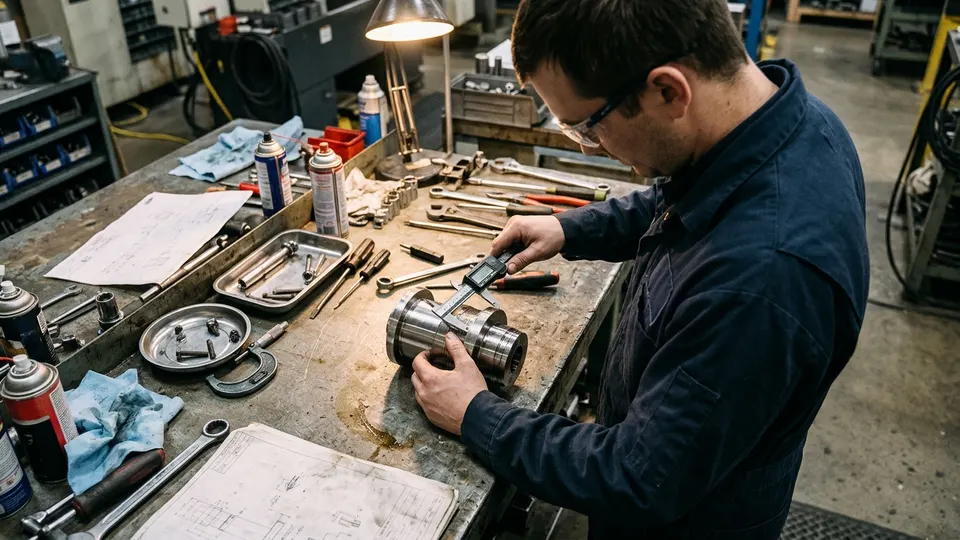
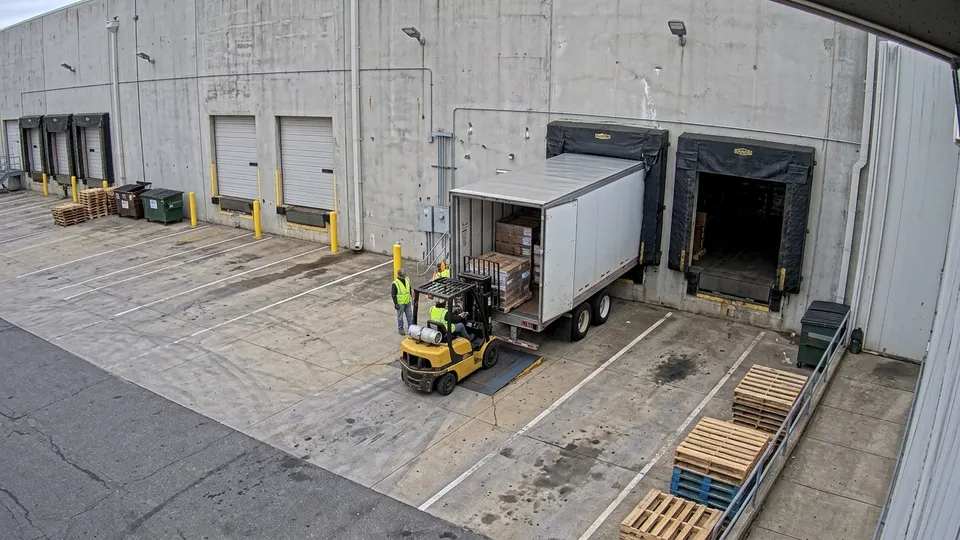
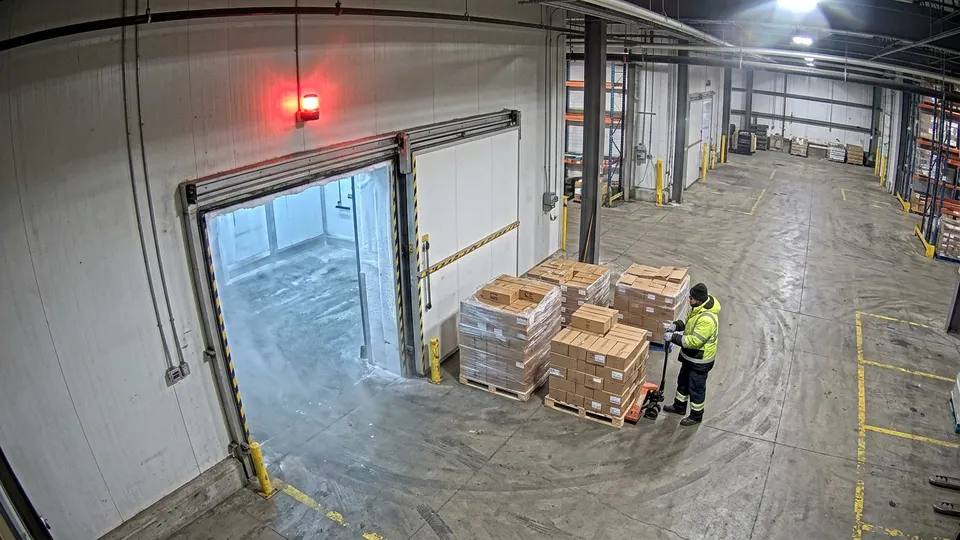
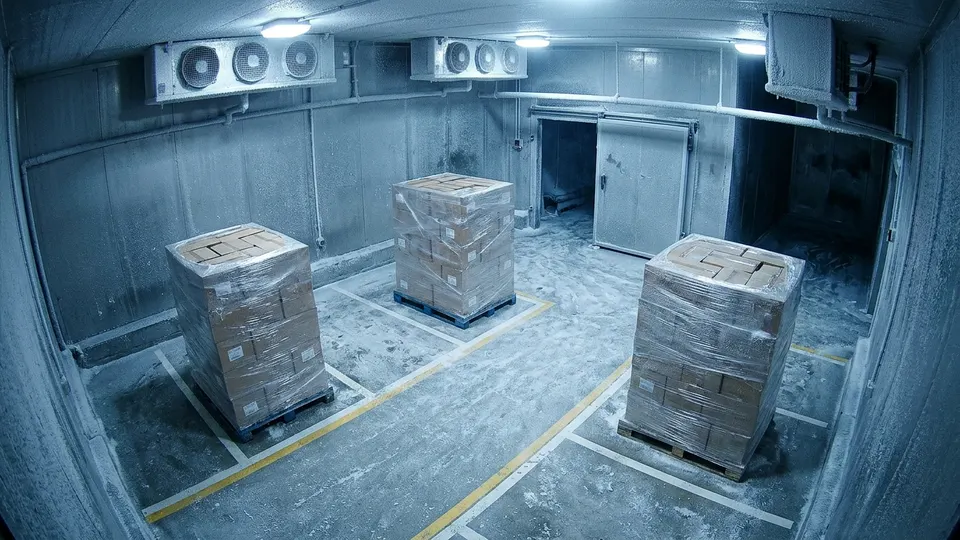
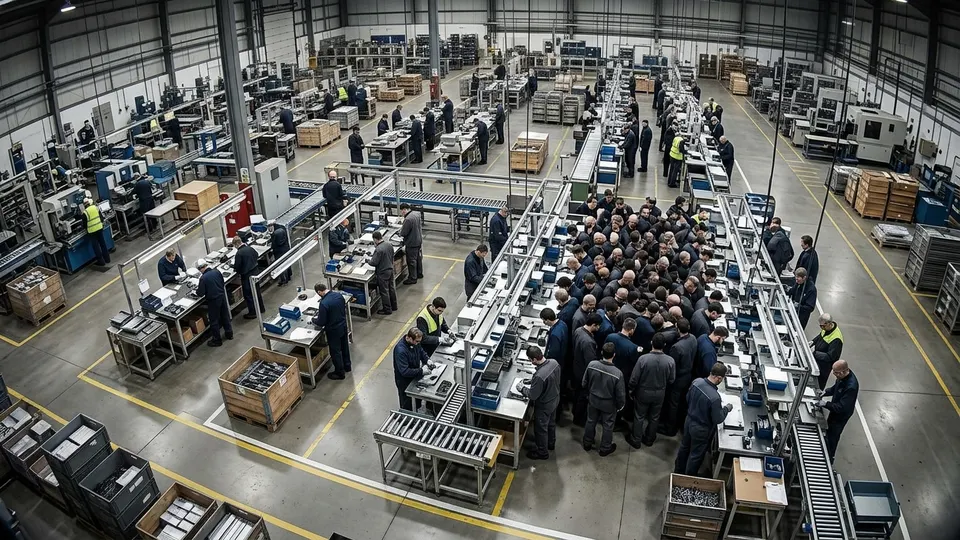
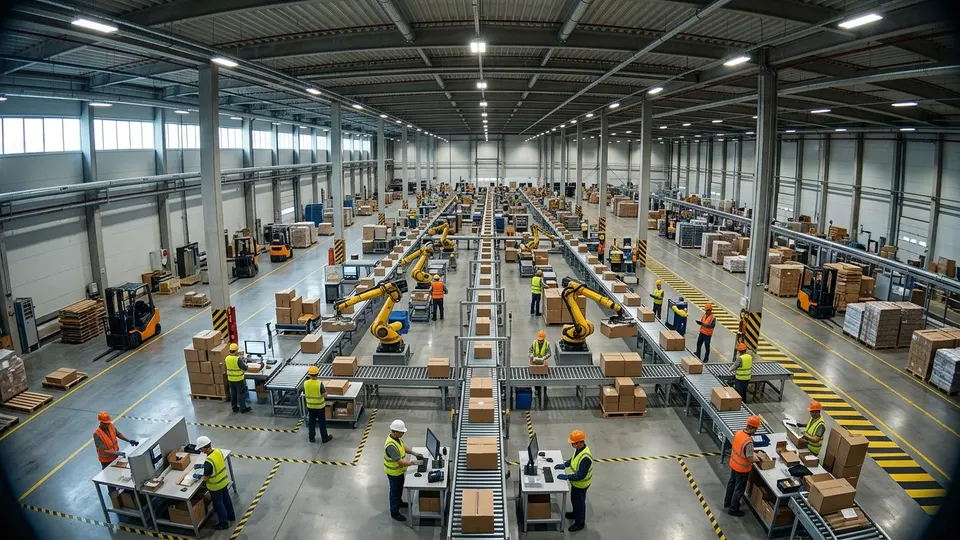
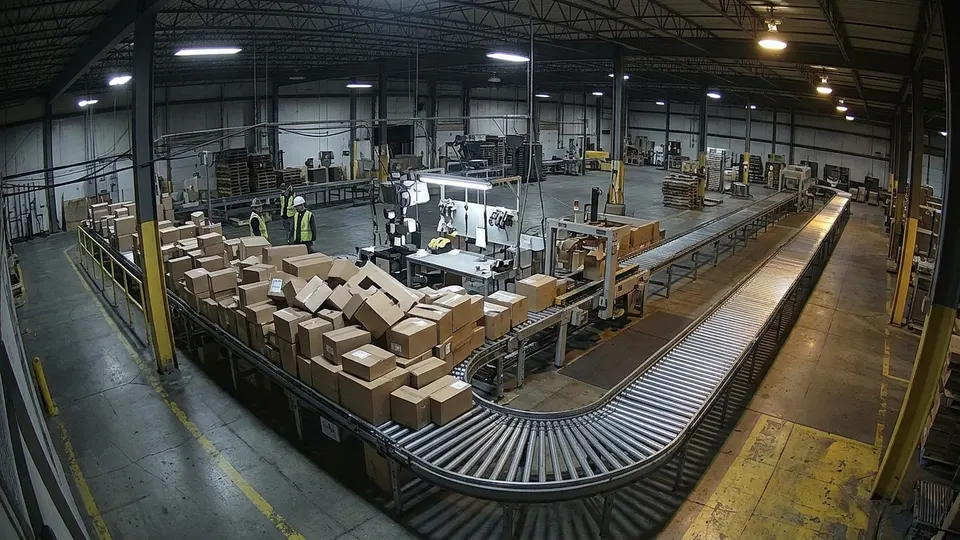
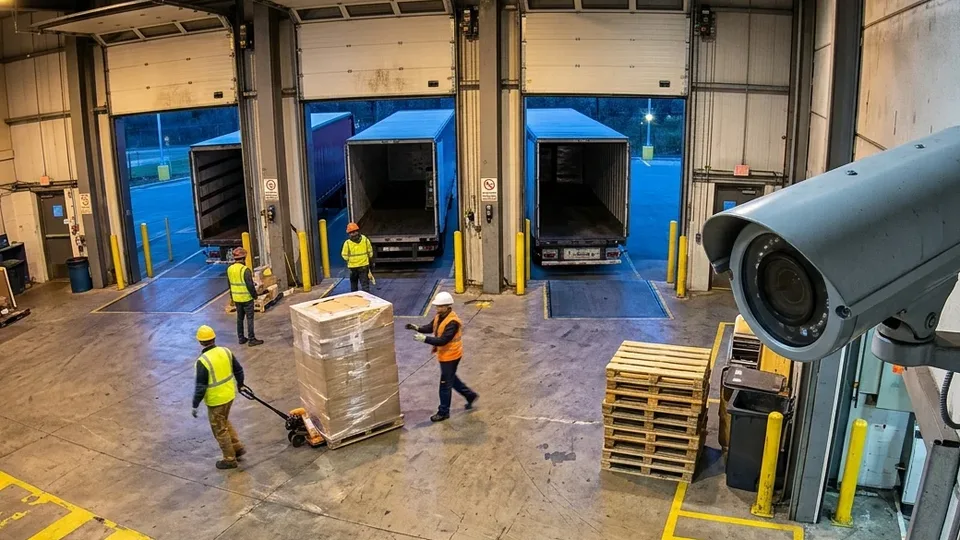
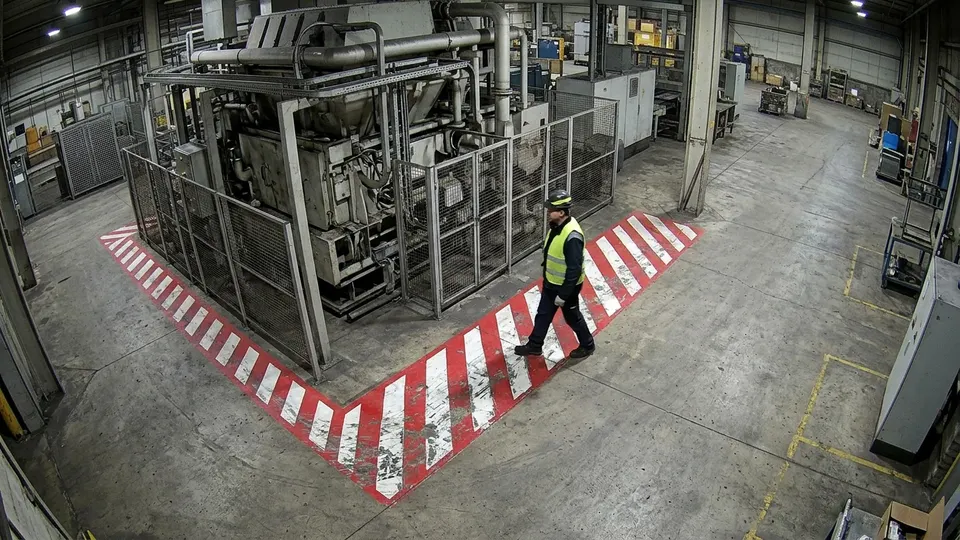
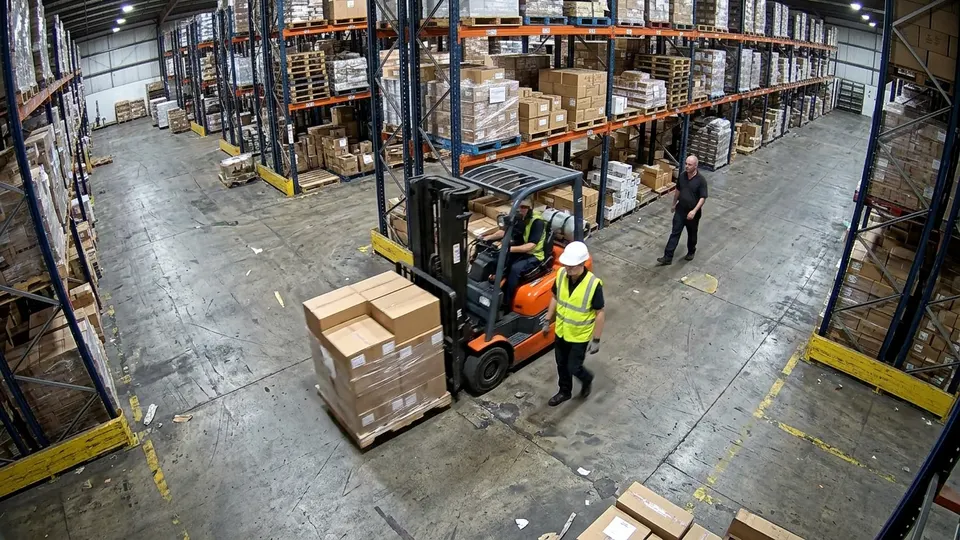
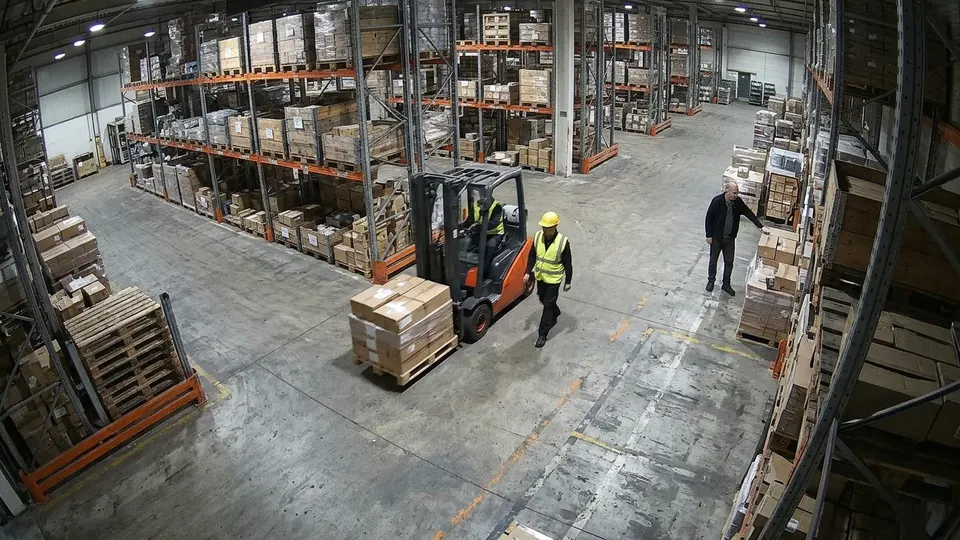
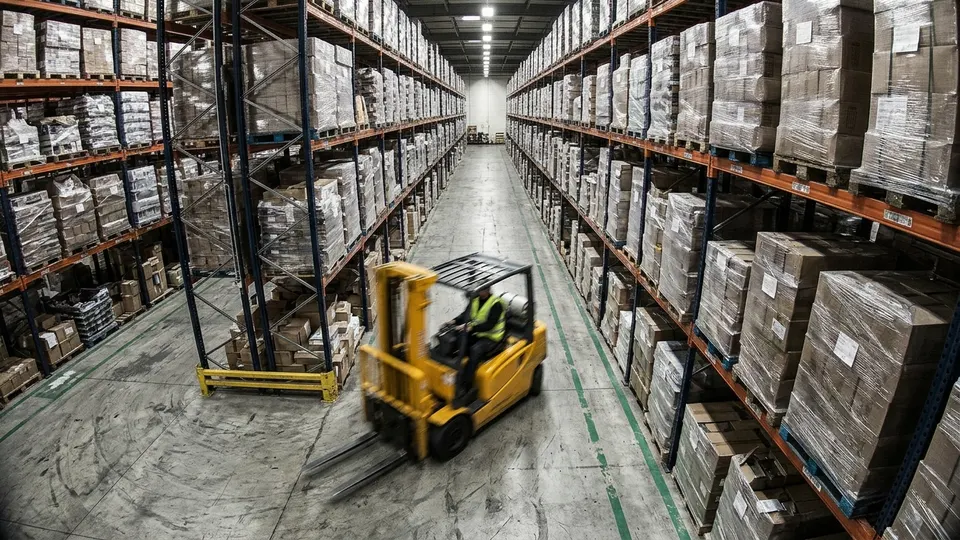
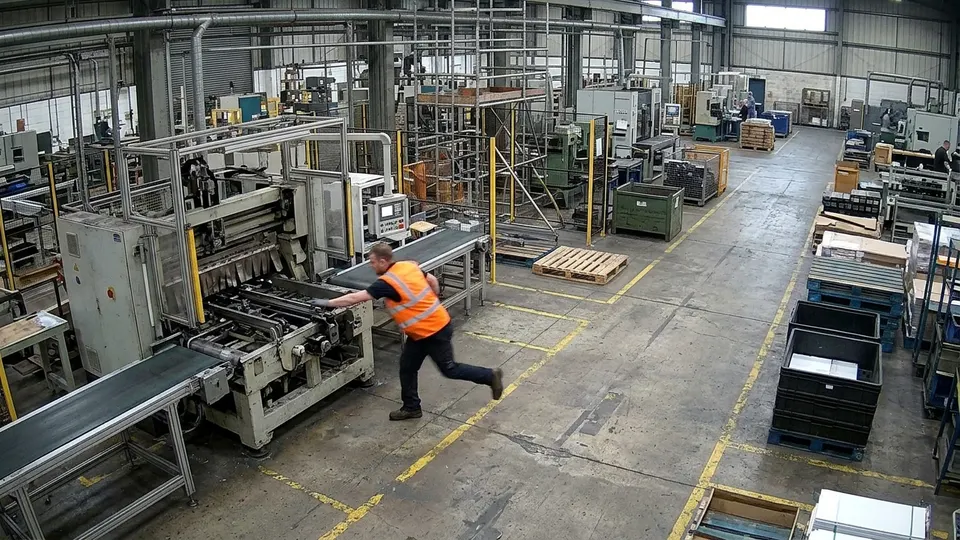


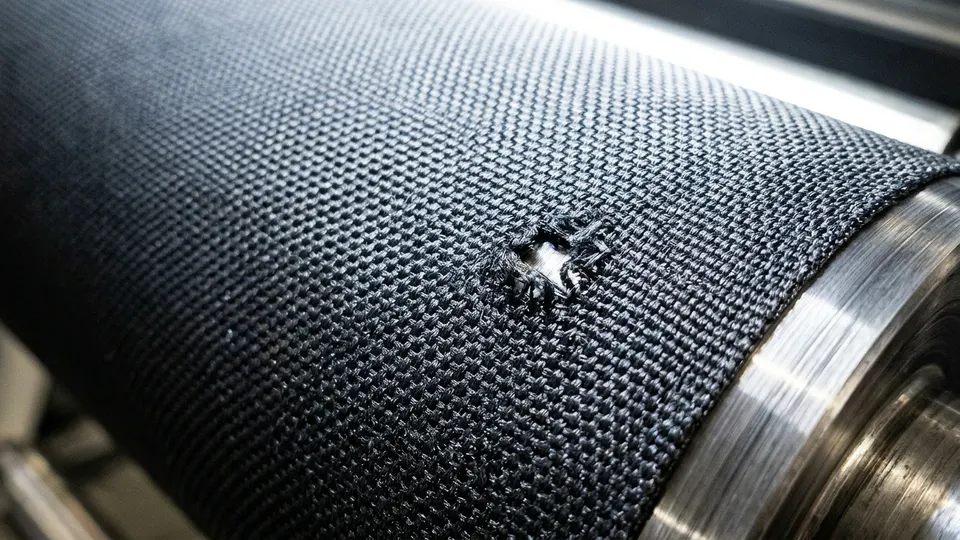
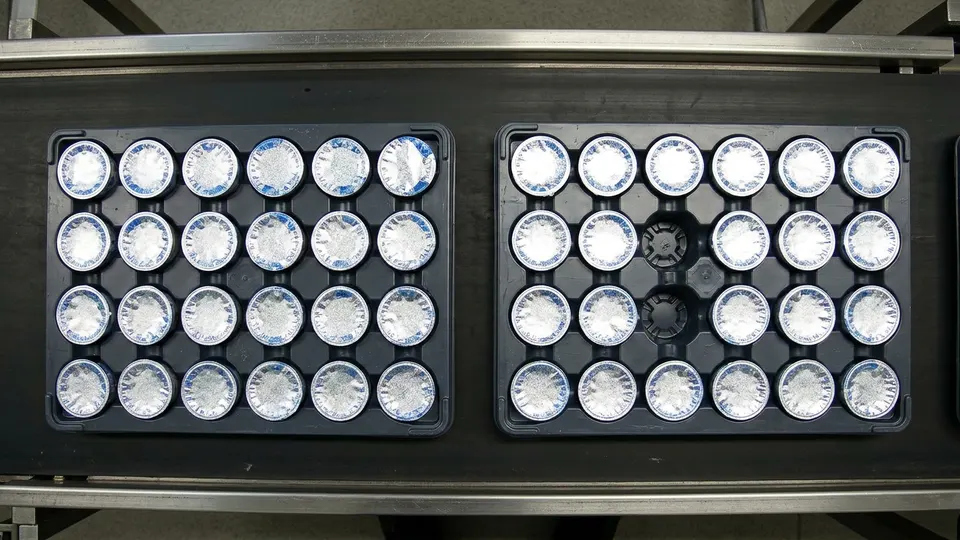
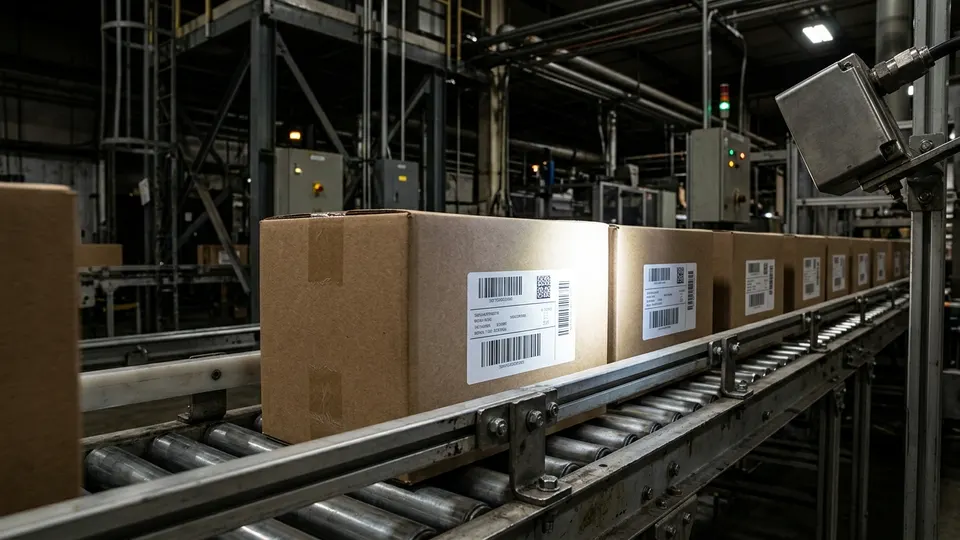

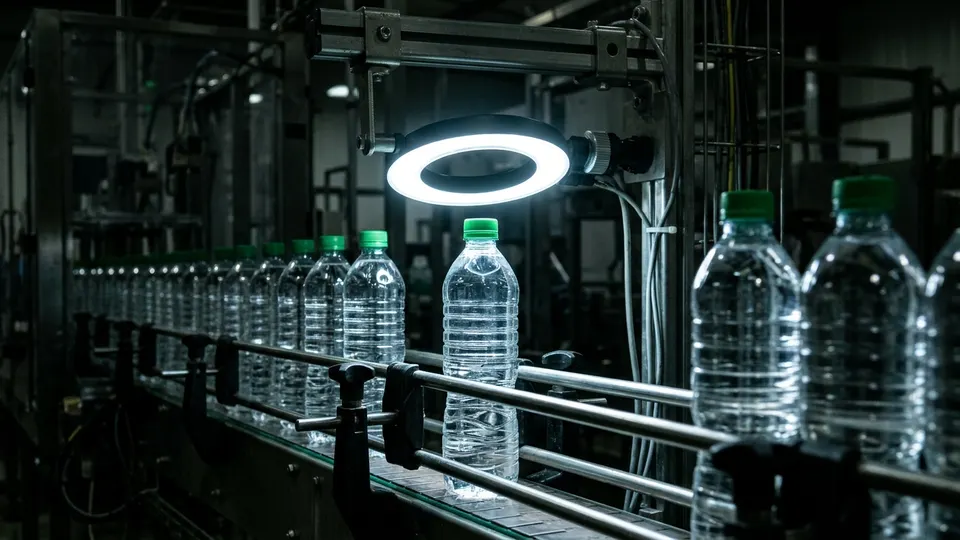
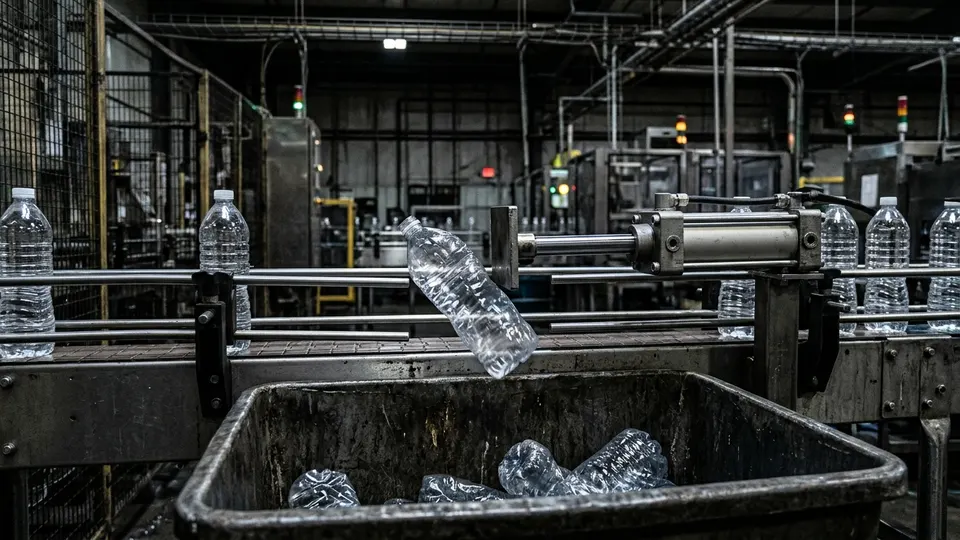
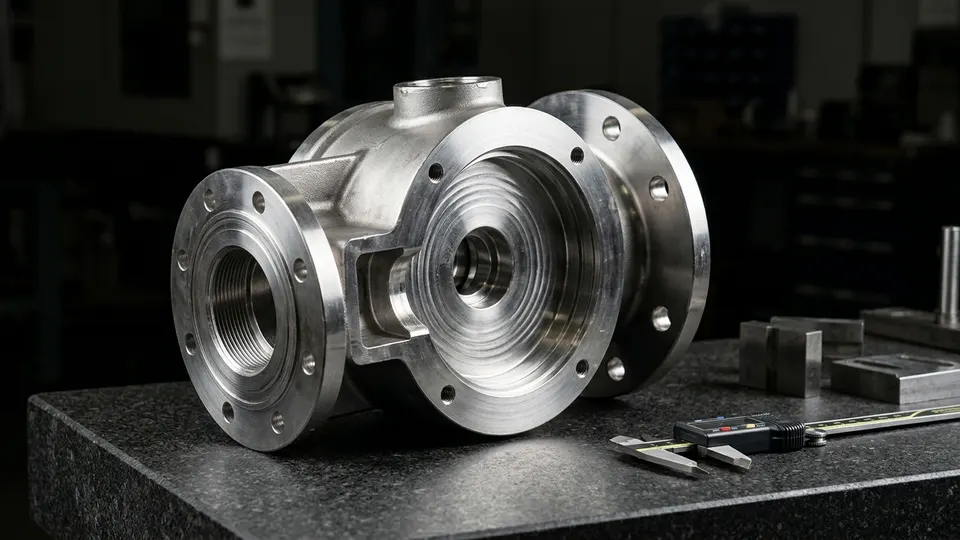
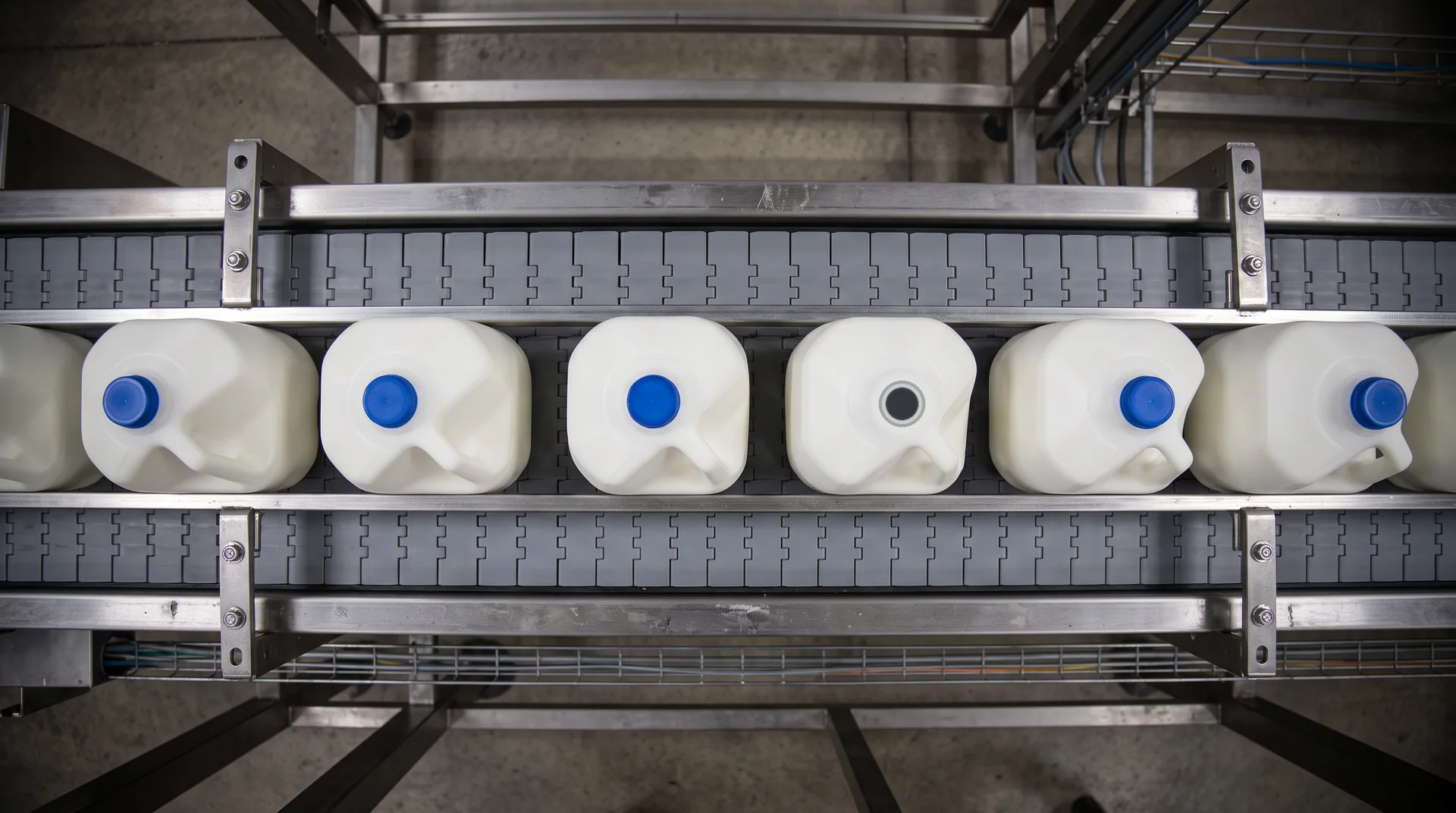
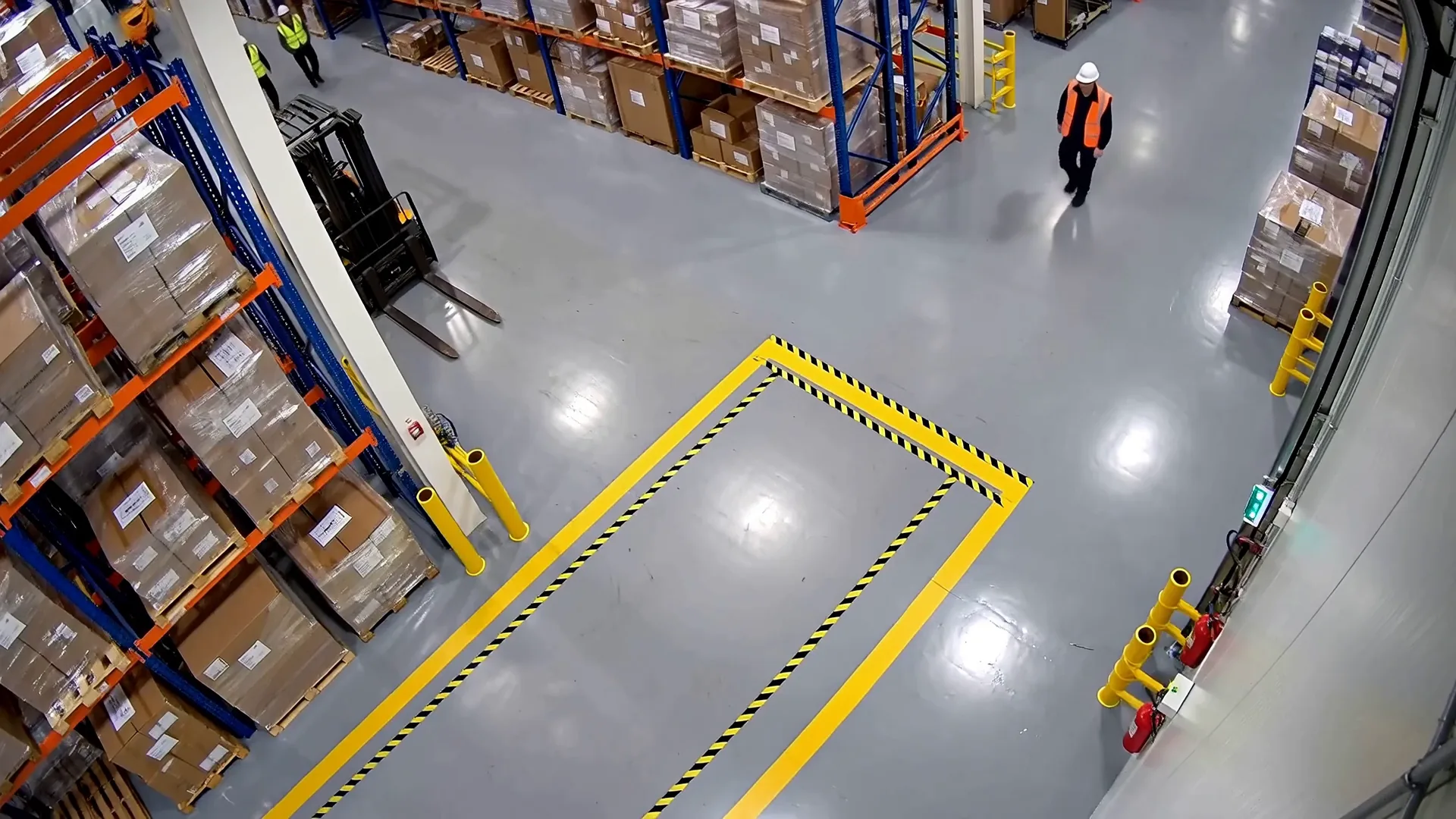
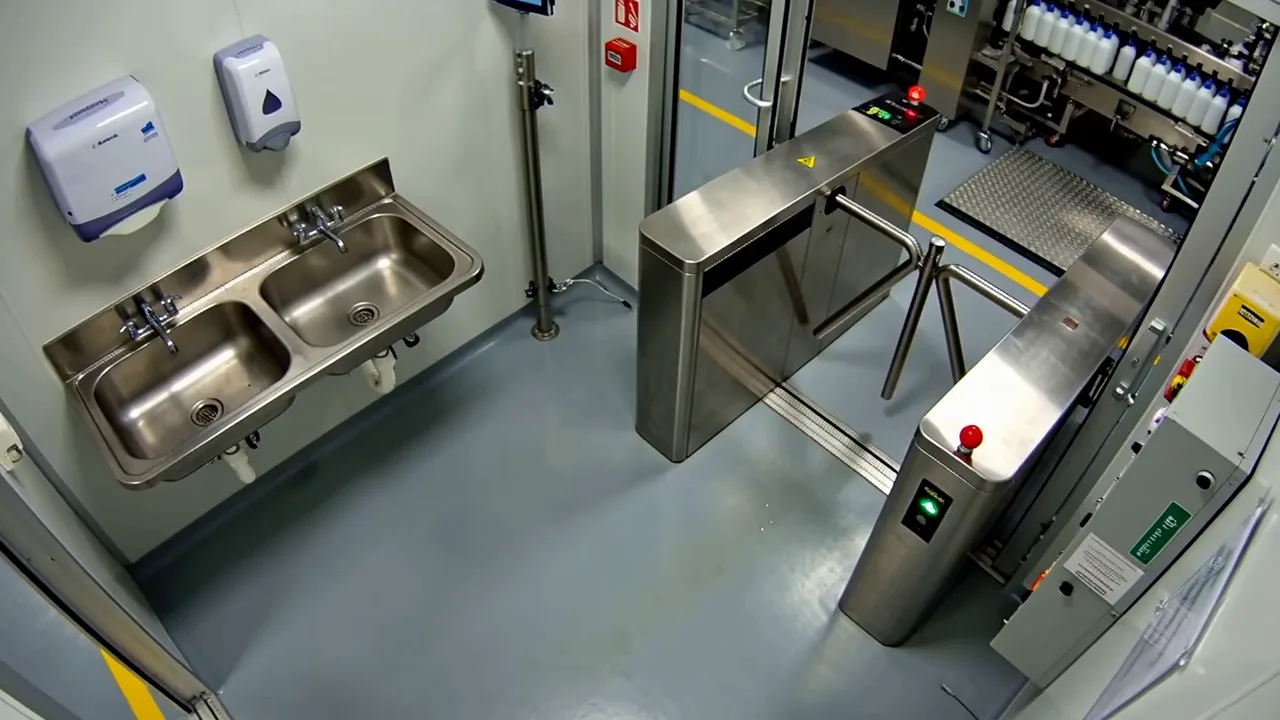
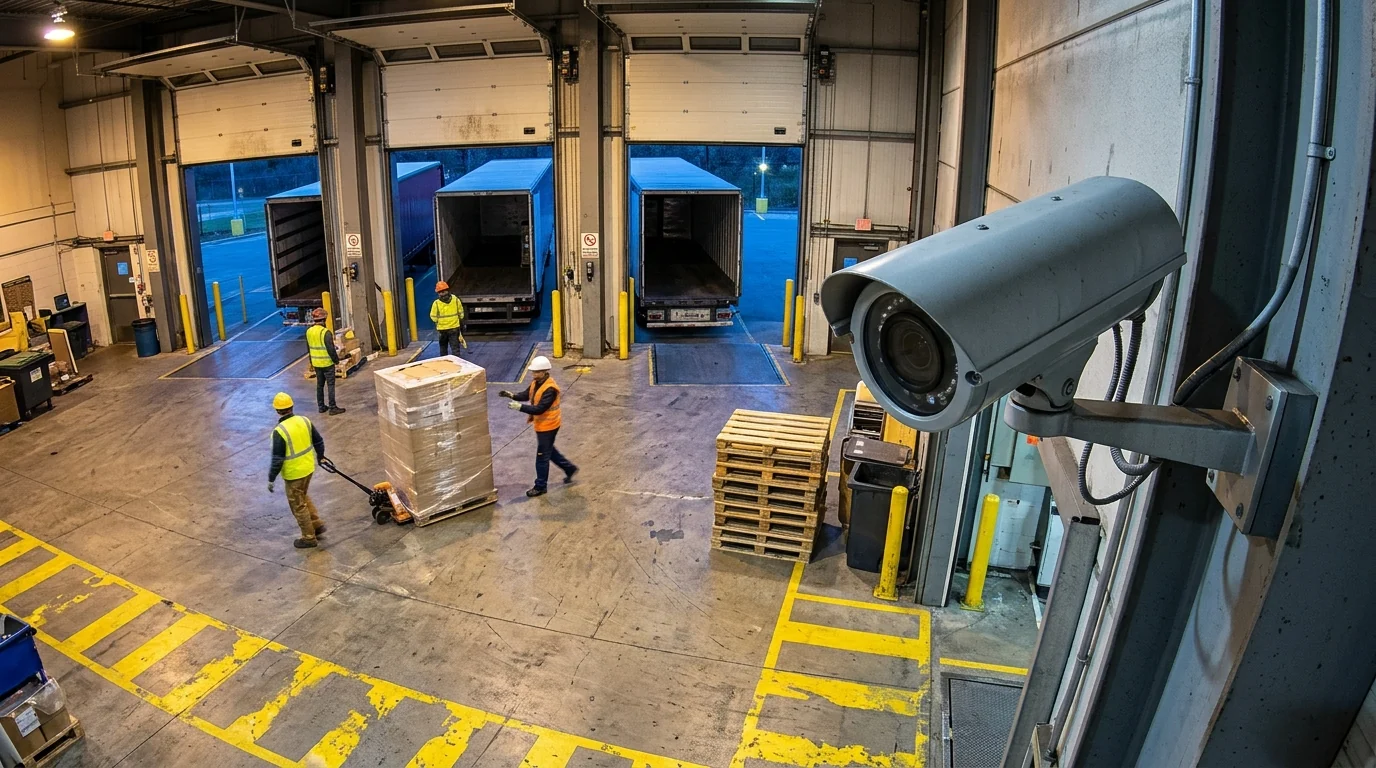

Where does it work?
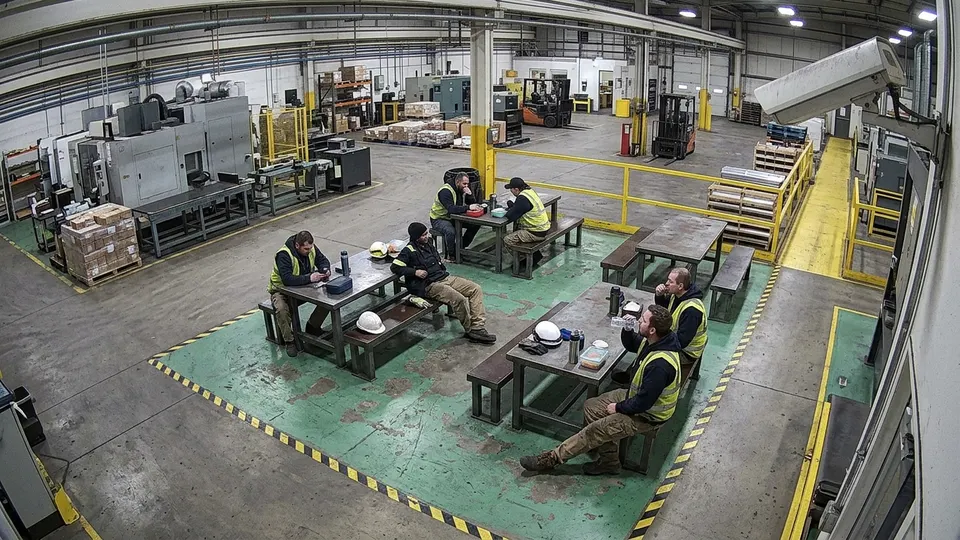
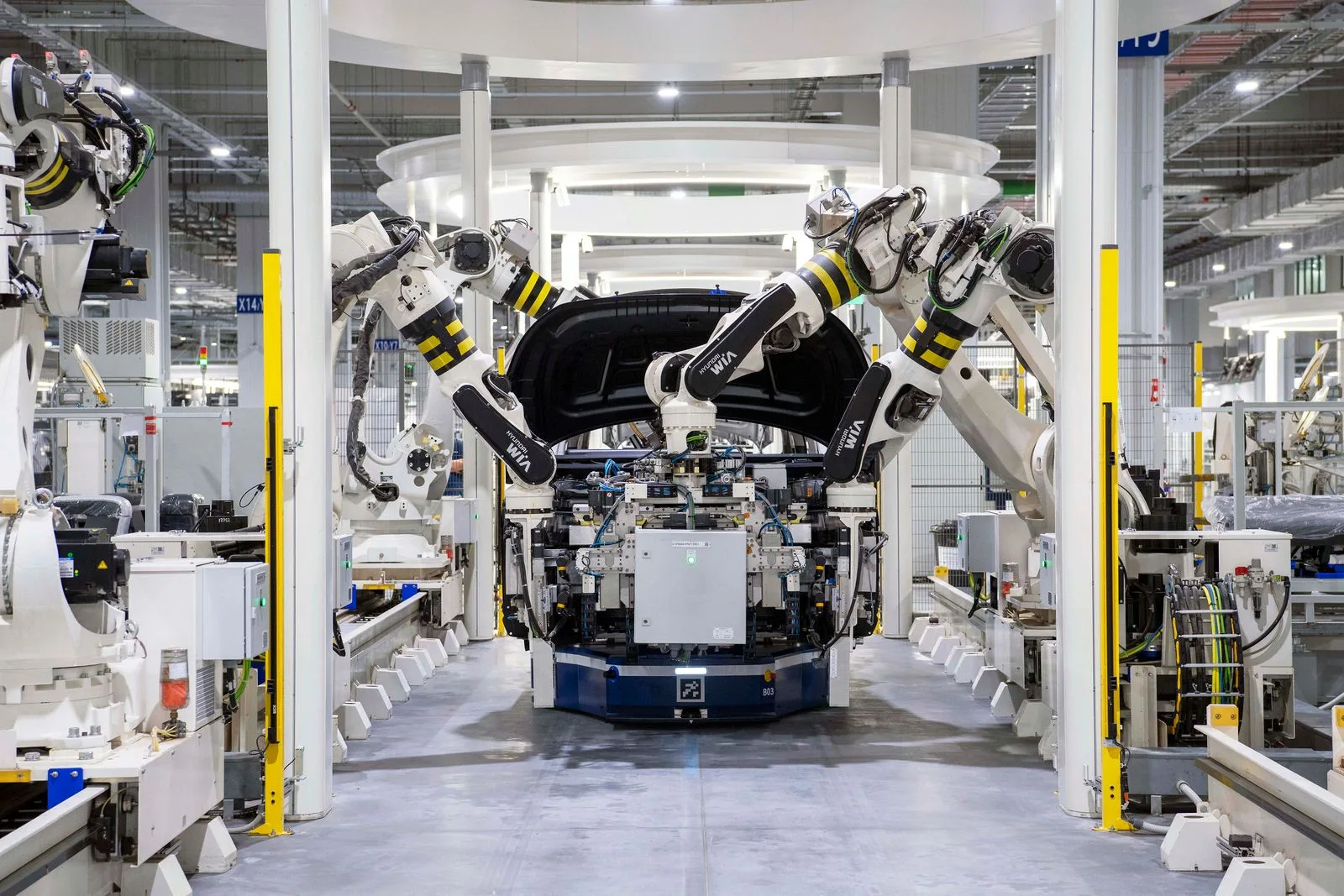 Automotive
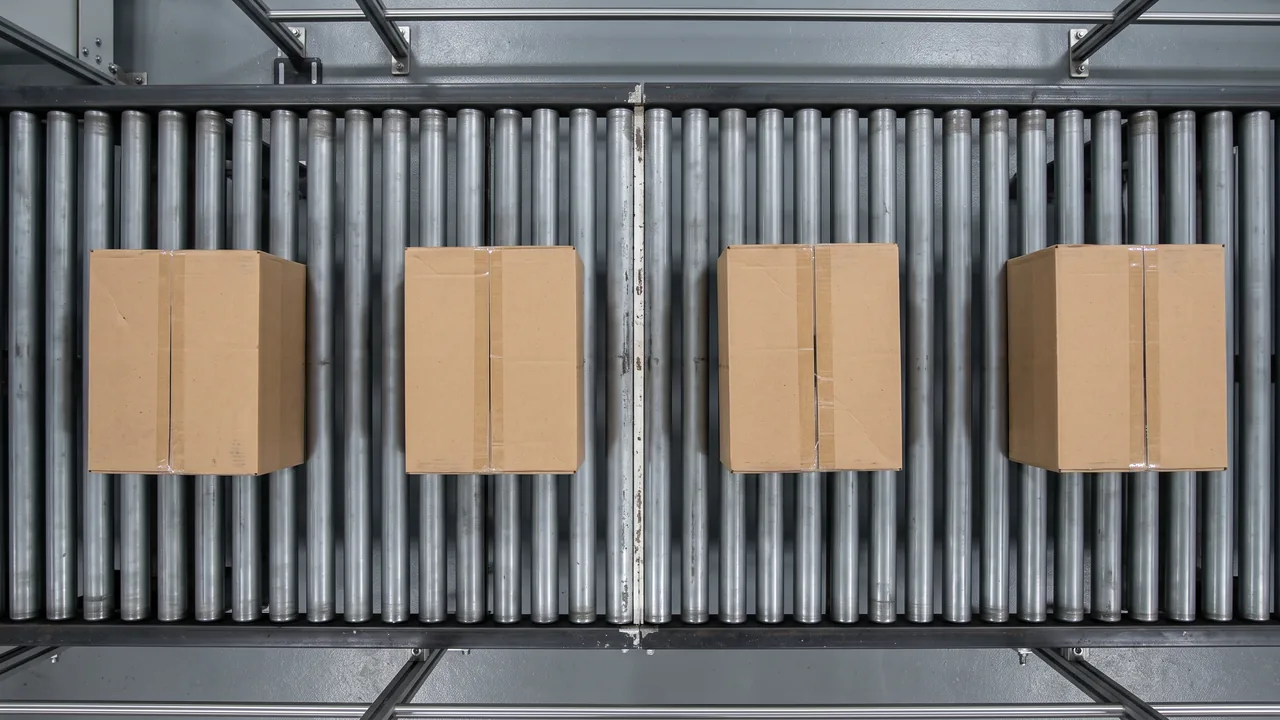
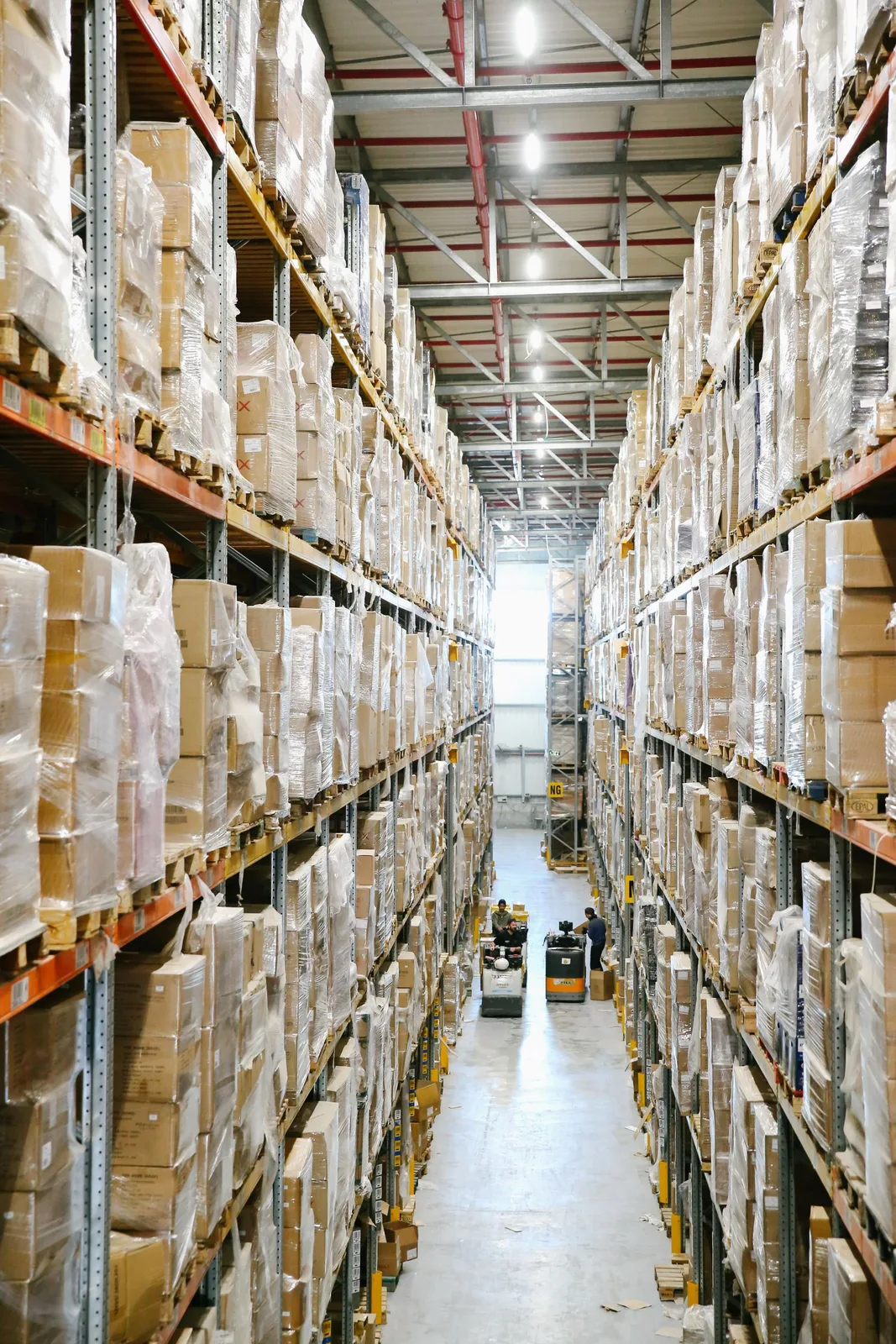 Logistics
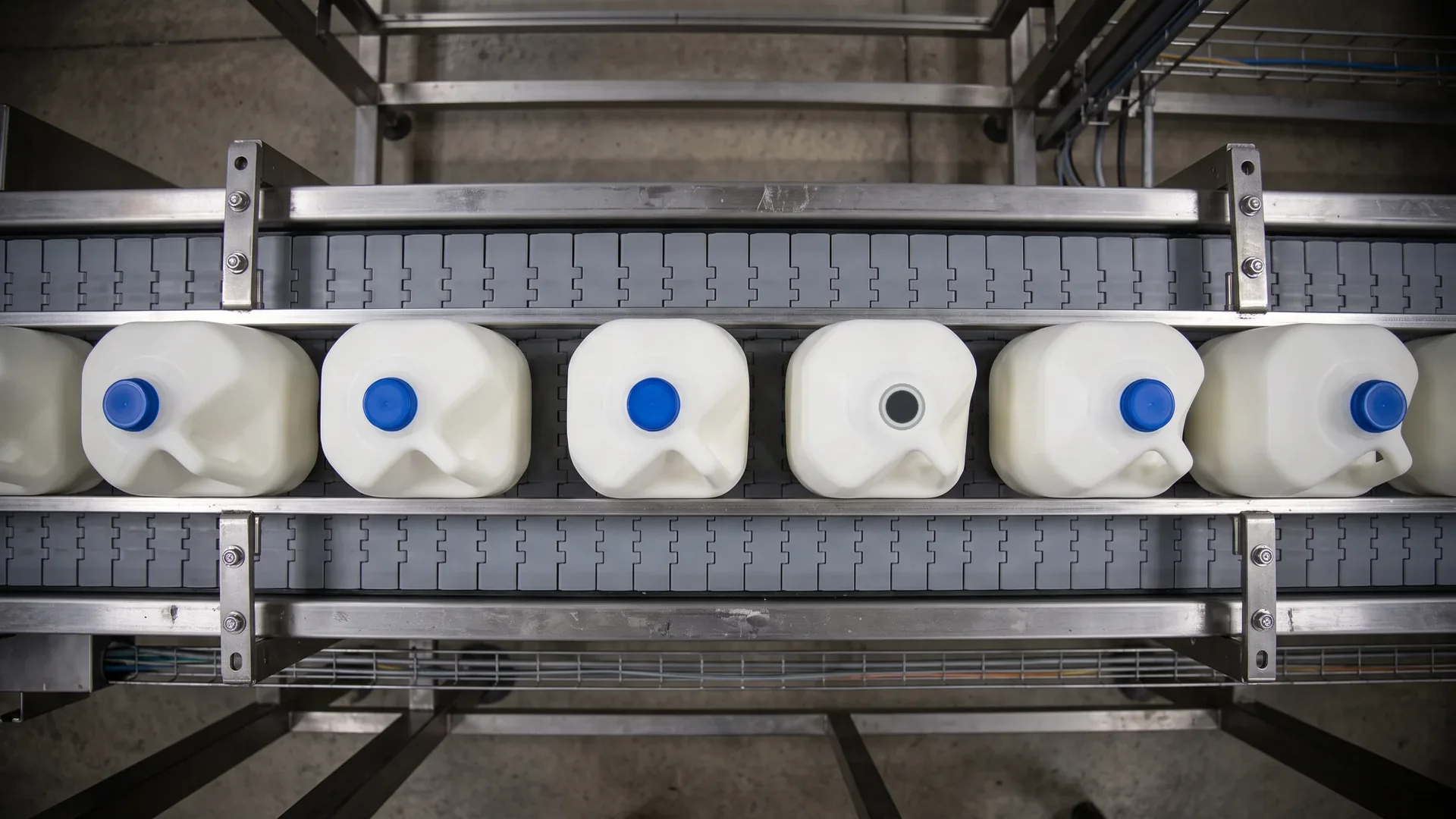
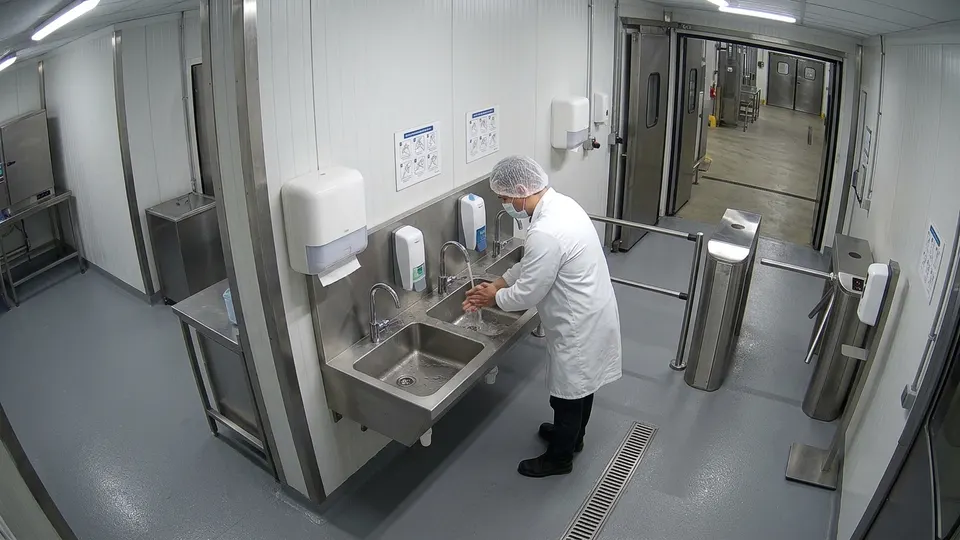
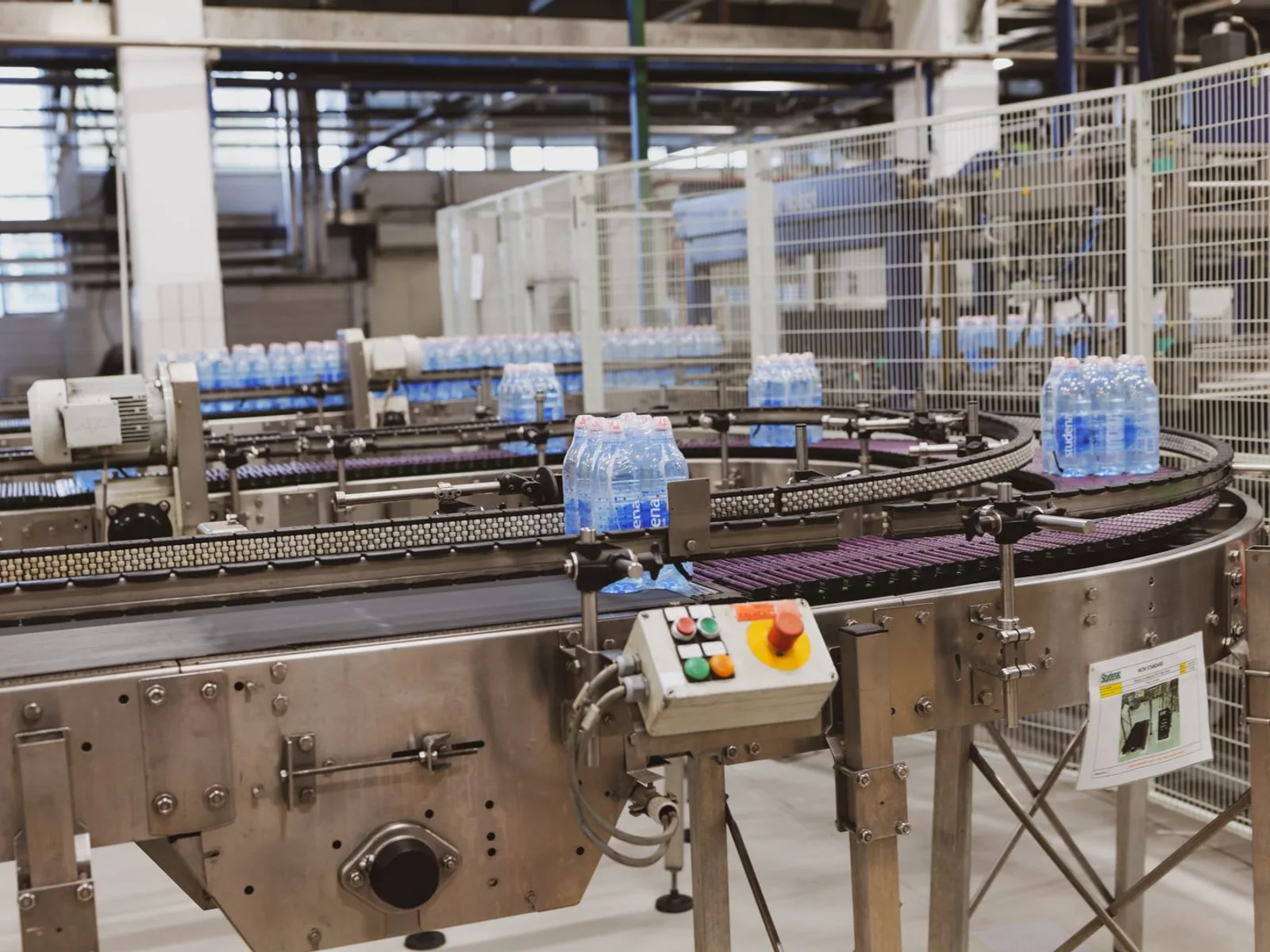 Food and beverage
Your questions, answered.
Can we use our existing cameras?
Yes. Existing IP, CCTV and industrial cameras can be used when their connection, image quality and viewing angle are suitable. Before installation, we review the areas you want to monitor and your camera footage together.
Can we define monitoring areas and rules ourselves?
Authorised users can draw areas and lines on camera images. Restricted-area, crossing and dwell-time rules are linked to these areas and can be updated through the panel as needs change.
Can one camera support several checks?
Yes. One camera feed can support multiple analyses and rules. We assess the scope of the checks alongside image suitability and the capacity of the on-site device.
Can you monitor helmets, vests and hygiene procedures?
Image analysis is prepared for the equipment or hygiene step you want to monitor. It is checked against the camera angle and real site footage, then linked to the area's rules.
Can you create a check specific to our operation?
We evaluate custom scenarios for processes that are visible on camera and can be clearly defined. We first review the expected behaviour and sample footage, then agree on the analysis and acceptance criteria together.
How are we notified of an incident?
Events are tracked as alarms and on-screen notifications in Sense Operations. An image of the event is attached to the record; daily or shift summaries can be shared by email.
Can the system run on site without internet access?
Yes, when the required services are installed on your local network, the system runs without an internet connection; images are analysed on on-site devices. Connections for remote access, other branches and email are planned separately.
Can we manage access separately for different teams?
Yes. Access can be organised by company, branch, camera and responsibilities. Each team can view the images, events and records within its permissions.
How do you assess accuracy and false alarms?
We evaluate checks using real site footage. We review lighting, camera angle, distance and occlusion, then compare detections and false alarms against the agreed acceptance criteria.
What information do you need before installation?
The scenarios to monitor, camera count, sample footage and network setup are enough to start. We also discuss who will follow up on notifications and the access requirements to define the installation scope.