

Sense Operations
Every camera, every device on site and every alert the modules raise, on one screen. It opens in the browser; everyone sees as much as their permission allows.
- Does
- Gathers the alerts of every module
- From
- The browser, nothing to install
- Who
- Everyone with access
Everything
on one screen.
You open it in the browser; nothing to install. Cameras, devices on site, open alarms and the day's events are on the first screen.
- Cameras
- 24 · 23 online
- Devices on site
- 6 EdgeBox
- Open alarms
- 3
- Events today
- 41
You watch live
and know the status.
You watch the cameras you have permission for live. If a camera shows no image, it is shown separately as a device problem, not as a breach.
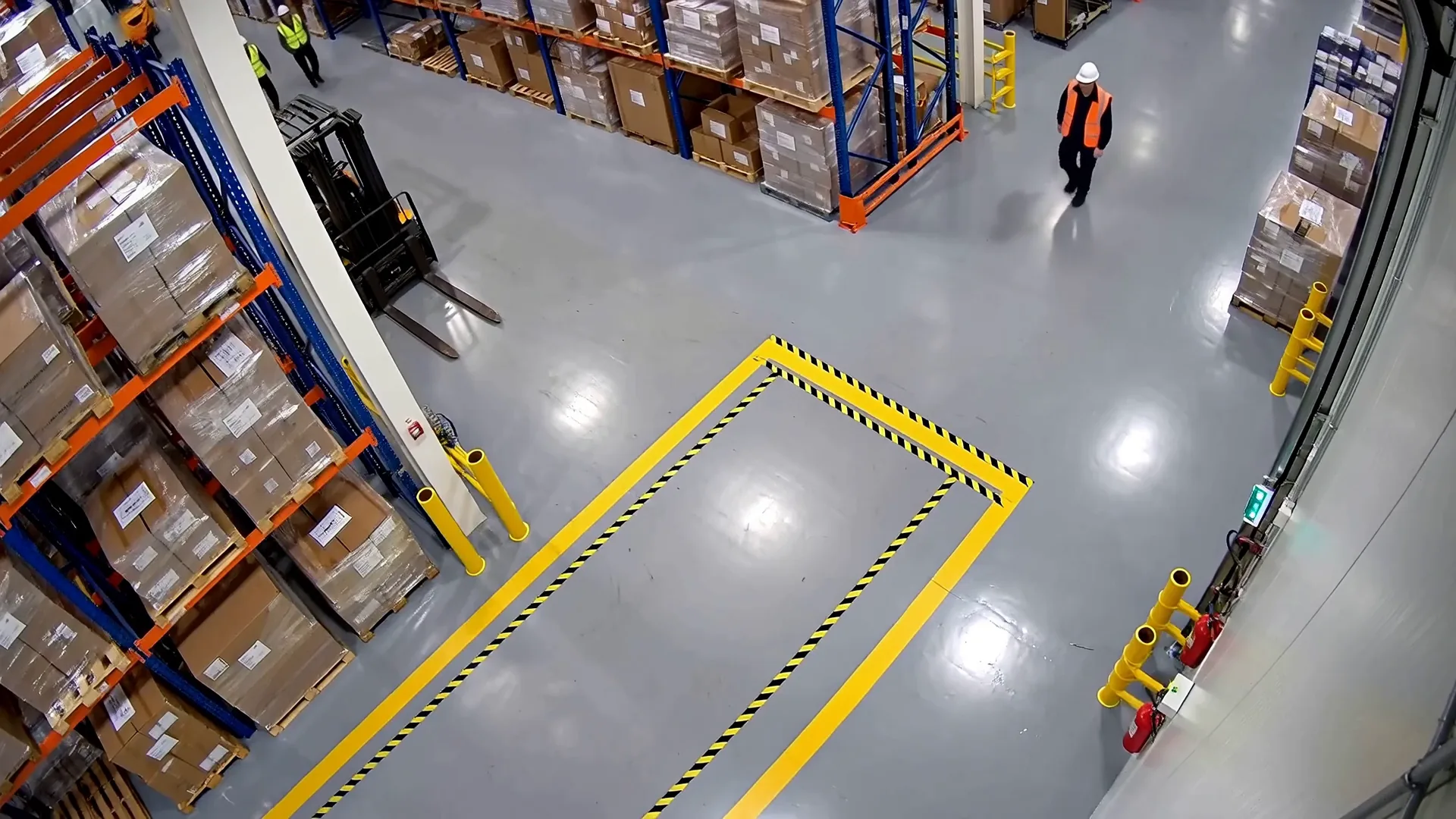
- CAM-04 · Warehouse
- Image OK
- CAM-07 · Corridor
- Image OK
- CAM-14 · Door
- No connection
The alert reaches
the right person.
When a rule holds, the authorised person gets an on-screen notification, and email if they want it. Everyone only gets the alerts for their own area.
- What
- Restricted area · Rule 02
- Where
- CAM-04 · Warehouse
- Sent to
- Shift lead · H&S
You review it and
close it with a note.
You open the alarm, watch the image of that moment, tell the floor and close it. Who, when, why: all of it is recorded.
“Floor checked, area cleared.”
From opening to closing.
An alarm opens, reaches the right person, is reviewed with the image of that moment and closes with a note. Who, when, why: all recorded.
Entry into a restricted area
CAM-04 · Rule 02
- Opened
- 14:32:07
- Told
- Shift lead
- Status
- New
See, be told, close.
Watch live
Live events, camera status and the health of devices on site; as far as your permission goes.
Be told, close it
Instant notifications on screen, by email and on the phone; reviewing with the image of the moment and closing with a note.
Reports, roles, integration
Reports, team and permission management with role-based access; connecting to your own systems via API.
Let's try it on your floor.
In a demo call we agree on what should be watched, whether the camera angle works, and who does what when an alert comes in.
Request a demo ↗