

Sense Flow
Sees how product moves on the line and in the buffer: how long it waits in a zone, how full the area gets, where the flow gets stuck and where the bottleneck forms. When a limit is passed, it opens a record.
- Looks at
- Products in the buffer and the flow on the line
- Alerts when
- A product waits past the limit or the area fills up
- Gives
- Waiting time, density and bottlenecks
You set the area
and the time.
On the image you draw the buffer area, a stretch of conveyor or the dispatch waiting spot. You also say how long product may stay there at most (or at least).
- Area
- Buffer · before palletising
- Watches
- Pallets and products
- Time limit
- 30 minutes
- Notify
- Production planning
The device on site
follows the product.
The EdgeBox follows every pallet in the area and every product on the line from frame to frame and counts how long each stays. The video never leaves the facility.
- In the area
- 3 pallets
- Fill level
- 60%
- Longest wait
- 00:18 and counting
Wait too long,
and it's recorded.
An event opens for any pallet or product past the limit. When the area starts filling up you see that too; it shows where the flow is slowing down.
- What happened
- Waiting too long in the buffer
- Where
- CAM-07 · Before palletising
- How long
- 00:42
Products passing the line
are counted.
You draw a line across the conveyor; every product crossing it is recorded with its direction. So you also see how many products the line passes per hour.
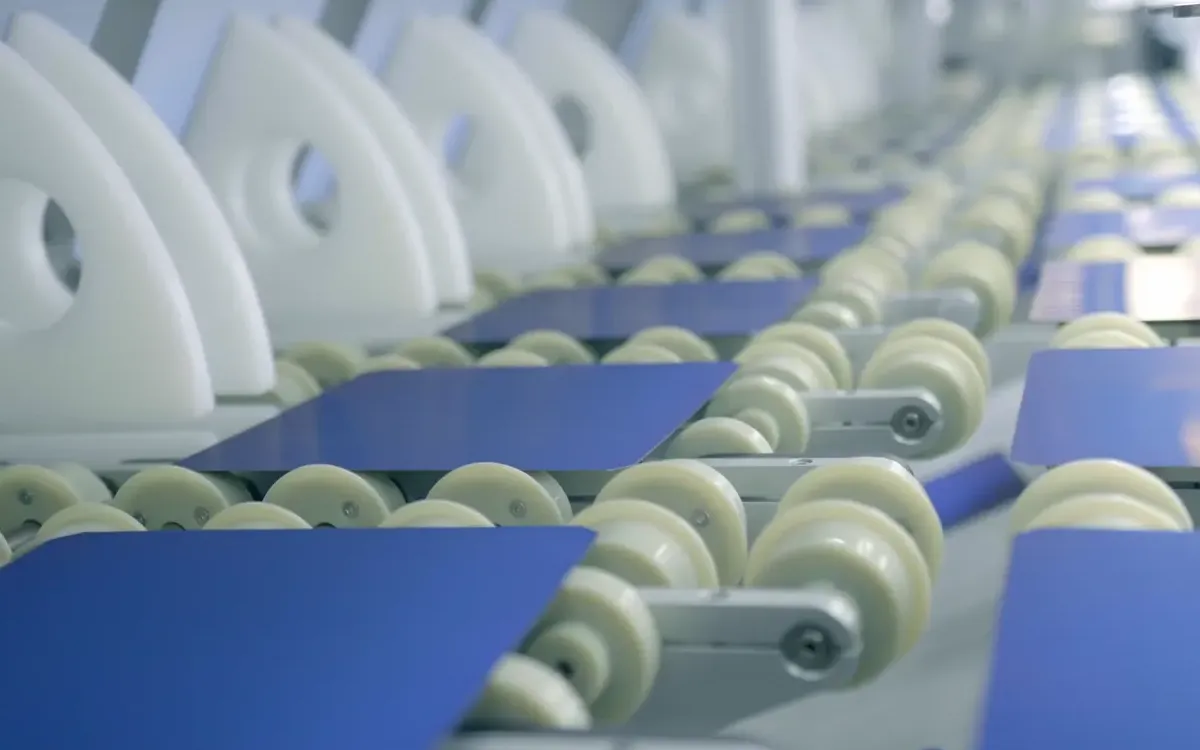
Products heading to palletising
Where was the bottleneck today?
Which pallet waited how long, when the buffer filled up, how many products passed per hour: all on one screen.
Waiting too long
Buffer area · limit 30 min
- Camera
- CAM-07
- Wait
- 00:42
- Time
- 10:42:15
Where does the flow slow down?
Time in an area
How long a product or pallet stays in a set zone, at least or at most, is tracked.
Area density
How busy each zone is; areas left empty or overcrowded are seen.
Bottlenecks and stoppages
Waiting, piling up, delays and stoppages are detected, so you see where the operation slows down.
Let's try it on your floor.
In a demo call we agree on what should be watched, whether the camera angle works, and who does what when an alert comes in.
Request a demo ↗