
Sense Quality
The camera above the belt looks at every passing product, one by one. It flags what doesn't match the examples; your quality team makes the call.
- Looks at
- Every product on the belt
- Alerts when
- A product unlike the examples passes
- Set up
- For your product, together on site
First we get to know
your product together.
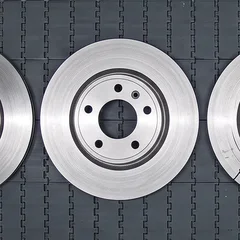
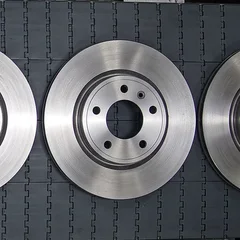
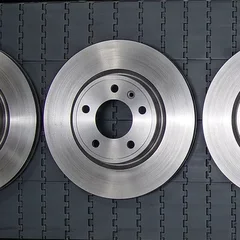
Together we collect example images of good and faulty products. They set what is looked at.
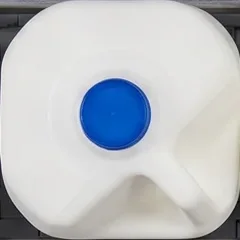
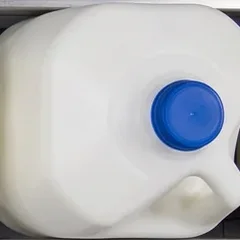
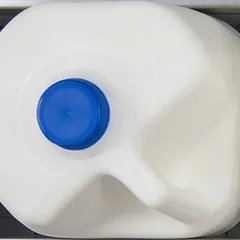
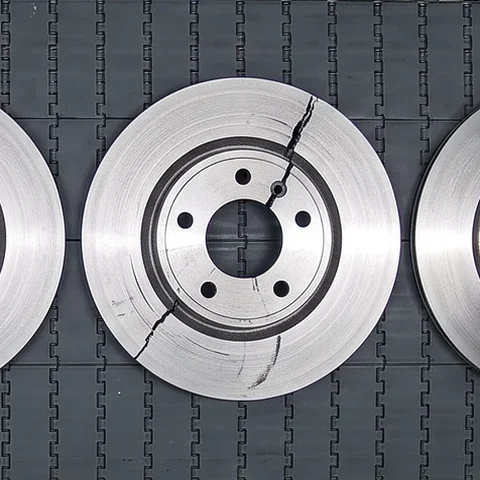
While the belt runs, every
product is checked.
The camera sees every passing product. The device on site compares it with the examples; the video stays on site.
What doesn't match
is flagged.
A product unlike the examples is flagged as a possible defect. Your quality team decides whether it comes off the line.
That moment is recorded
with its image.
The product's image at that moment is kept with the line and the time. Who did what afterwards is all in the record.
- What
- Possible defect
- Where
- Line 2
- When
- 09:14:02
- Facility
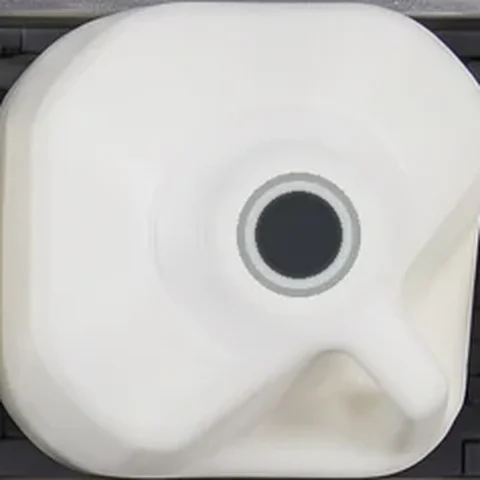
- 5 L canisterBrake disc
When an alert comes, what do you have?
Whoever opens the notification sees the product's image at that moment, the line and the time. They decide, and the record closes with a note.
09:14Line 2New08:52Line 2Closed08:17Line 1Closed07:46Line 2ClosedPossible defect
5 L canisterBrake disc · Missing capSurface crack
- Camera
- CAM-11
- Line
- Line 2
- Time
- 09:14:02
What it looks at, how it is set up
Defects and anomalies
Something unexpected on the surface or shape of the product; sorting good from faulty.
Missing part / product
A part or product that should be there and is not: a cap, a label, a screw.
Labels and barcodes
Checking the label is on the right product, in the right place, and reading barcodes.
Let's try it with your product
In the demo call we settle your product, where the camera goes and what counts as a defect, together.
Request a demo ↗